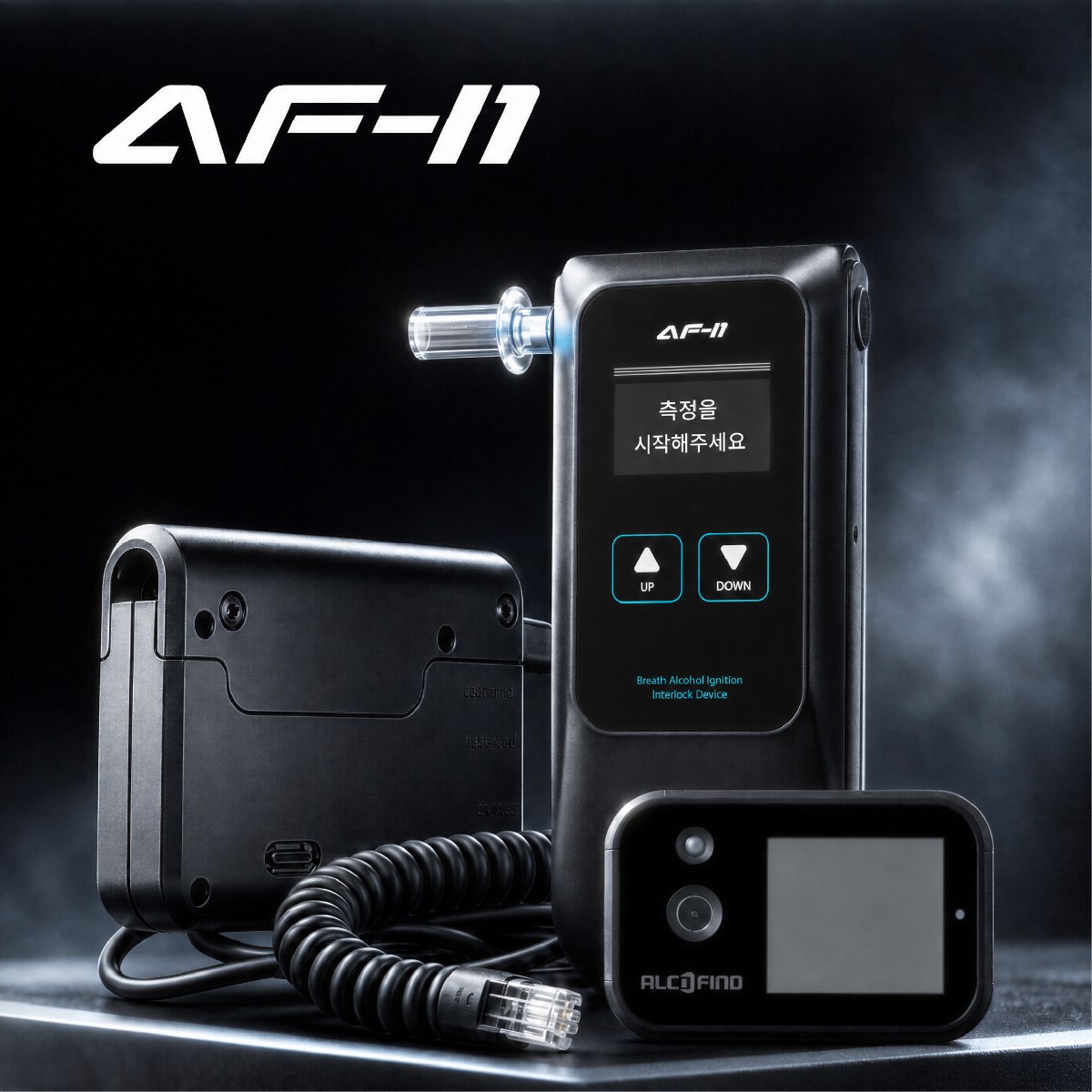
An interlock is an alcohol interlock device that controls a vehicle's engine start based on results such as the test of the driver's exhaled breath. The handset installed in the vehicle takes the breath test, and the control box allows or controls the engine start based on that result and the vehicle's signals. So a call saying the engine would not start may mean the device is faulty, but it can also involve other causes, such as a failed test procedure or the vehicle's connection or power status.
For the driver, what matters right now is whether the vehicle can be moved. For the fleet manager, what matters is creating an accurate support request while keeping downtime short. If every failure event is reported as an equipment fault, the inspection technician has to ask again for the information they need. Conversely, if it is assumed to be user error, actual installation or device problems may be found late. At the reporting stage, the appropriate approach is not to guess the cause but to pass on what has been confirmed separately from what has not yet been confirmed.
Do not use "won't start" and "equipment fault" as the same thing
Failures on an interlock can be broadly divided into the test process, the connection between the device and the vehicle, and the need to inspect the device itself. For example, a case where a retest prompt appears on the screen and a case where there is an unusual screen display or no power response call for different checks by the support technician. Even if you do not know the exact screen wording, noting when the indication appeared and the actual sequence of actions helps with initial sorting.
The DATECH AF-i1 is described as storing interlock usage events, such as vehicle ACC, engine start, test results, and tamper-related items, together with the date and time. However, a single stored item does not automatically establish a specific component failure or deliberate action by the driver. The meaning of an event can be interpreted only by looking at the vehicle's installed configuration, the screen at the time, and the inspection results together.
In the report, separate observed scenes from guesses
Instead of a judgment like "the sensor is broken," write something like "At 7:40 a.m., during the pre-start test, a retest prompt appeared on the screen twice." Also record as facts whether it happened right after maintenance, whether there was any work related to the vehicle battery, and whether it has repeated at the same step before. On the other hand, it is better to mark as a guess, or leave out, anything you have not confirmed, such as "the wiring seems to be cut."
| Report item | Facts to record | Why not to assume a fault |
|---|---|---|
| When and at what step | Date and time, whether during the pre-start test or after the start request | Lets you match the log with the vehicle's state at the time |
| Screen and response | Displayed message, warning sound, button and power response | The order of checks differs by type of indication |
| Recent changes to the vehicle | Maintenance, battery work, whether the vehicle was swapped | Lets you also look at the connection environment outside the device |
| Pattern of repetition | Whether it happened once or repeats under the same conditions | Gives clues to tell a temporary situation from an ongoing problem |
When recording the screen, you can take a photo after stopping safely. Make sure the photo does not unnecessarily include the driver's face, documents in the vehicle, or other people's personal information. There is no need to create material by asking for photos while driving or for the device to be operated.
The reporting flow in a hypothetical case
For example, suppose a delivery fleet manager gets a call saying "The engine won't start because of the interlock." On checking, the driver tried the pre-start test three times and saw a retest prompt each time, and the vehicle was parked. There was no vehicle maintenance or battery work the day before, and there were no similar calls on previous trips.
From these observations alone, you cannot conclude that it is either a sensor problem or something the driver did. A possible action is to keep the vehicle out of service and pass the screen message, time, number of attempts, vehicle identification, and contact details to the installation or service technician. If a dispatch is needed, decide separately on an operating alternative, such as another vehicle or a schedule change. The completion standard is not simply that the screen message goes away. It is the point at which the checks or inspection results advised by the technician are linked to the report and whether that vehicle can return to use has been settled.
Records are material for inspection, not a verdict
Official AF-i1 information states that test results and interlock usage events related to vehicle driving can be managed and downloaded with dedicated software. These records are material for examining which signals and usage steps occurred at the time. They are not grounds for counting individual events directly as faults or tampering cases. In particular, records related to tamper detection may be tied to a function that detects whether a person breathed directly, so the meaning of the records should be handled together with the service technician's inspection explanation.
A manager can divide reports into progress stages, such as "cause being checked," "arranging inspection schedule," "inspection result received," and "return to use confirmed." This reduces cases where shift workers or other dispatch staff ask again for photos and contact details already submitted. It is also good to record guidance received by phone, separating actions actually carried out from checks still remaining.
Reclassify repeated cases by confirmed results
If failures repeat on the same vehicle, rather than keeping the wording of the first report, update the classification with the results confirmed after inspection. If cases that needed test procedure guidance, cases where the vehicle installation was checked, and cases that led to device inspection are mixed together, do not lump them all as "equipment faults." Only then can you see where usage guidance for the next driver is needed and where installation or service support is needed.
Conversely, you also must not exclude checking the device and vehicle condition just because it first looked like a test failure. A report that includes the screen, time, vehicle work history, and whether it repeats quickly leads the support technician to the inspection needed. The key to reporting interlock failure events separately from faults is not passing the buck. It is making the vehicle's next action clear by leaving inspectable facts instead of unconfirmed guesses.