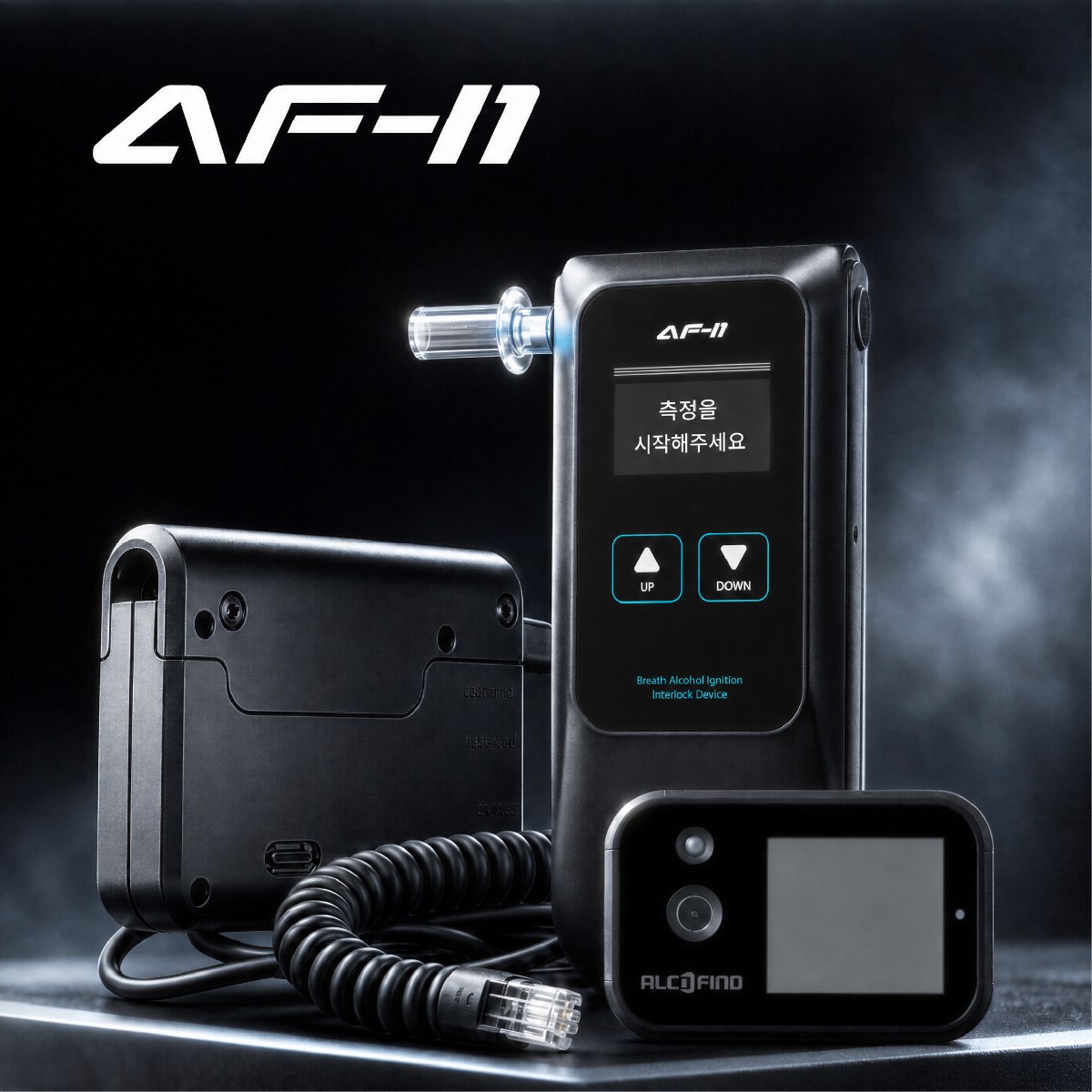
People sometimes send results checked on a personal breathalyzer to family, colleagues, or a group chat. They do it to discuss how to get home or to ask what a display on the device means. But a screenshot does not contain only the reading. App profiles, linked accounts, earlier test lists, and screen elements that hint at a location may be visible too, and images posted to a group chat can be saved or forwarded by participants.
With personal breathalyzers that have smartphone connectivity and result storage, the more records build up, the more information can appear on one screen. For example, DATECH's official product information for the AF-40BT lists smartphone connectivity and storage of up to 10,000 test results. If you need to share a screenshot, it is best to tidy it up so that the information the other person needs to know stays, while information that needlessly reveals your current movements or past life is reduced.
First decide whether the situation calls for sending a number
If the purpose is to ask for help getting home, the whole test screen may not be needed. A message such as "I'm not driving today and will take another way home" or "I want to work out how we'll get home together" is enough to start the conversation you need. In that case, you can focus on deciding the travel plan instead of showing test records.
On the other hand, if you are asking what a display on the device or app means, you may need the parts directly tied to the question, such as the result number, unit, or error indication. Even then, decide separately whether you need to reveal the account screen and the list of earlier records as well. This is also why material for manufacturer support and an image for a group chat seen by many people should not be handled as the same file.
Information to remove first from the copy you share
Information not needed to explain the test result can be left out of a copy by cropping it off the screen or covering it. The important point is that reducing what is visible is different from altering the result itself. Without changing the reading or unit, process only the areas unrelated to the purpose of sharing.
| Information that may appear on screen | Why to limit its exposure | What to do in the shared copy |
|---|---|---|
| Name, nickname, profile photo | It can directly link the test result to a specific person | If not needed for the question, cover it or crop it out |
| Email, phone number, linked account | Contact or account information may be revealed with it | Keep only the screen area without the account section |
| Place names, maps, clues to travel routes | It can hint at your current location or daily range | Cover it unless it is essential for travel support |
| Earlier test list, family members' records | It may include past personal information and other people's information | Keep only the one entry related to the current question |
Check the file name too. When you save an image separately and send it, if the file name contains your real name, a detailed location, or a schedule, clues remain even if the screen is covered. Changing it to a short name that is just enough to identify it in the chat also reduces exposure outside the image.
Keep the context needed to understand the result
Even when reducing personal information, leaving just a bare number can lead the recipient to misunderstand it. For example, %BAC, ‰, and mg/L are different units for expressing test results. For a screenshot asking about a device display, it is better to keep, along with the number, the unit shown on screen and any elements needed to answer the question, such as an error indication or battery indicator.
Conversely, you must not crop part of an earlier record so it looks like the current result, or edit the numbers to give an impression different from the original test result. If the covered parts need explaining, you can say briefly, for example, "I covered my profile and earlier records." For a technical inquiry that really needs the original screen, the right approach is to narrow who receives it by sending it through the relevant support channel rather than a group chat.
Deciding the scope of editing in a hypothetical case
Let us look at a hypothetical case. A person who wants to ask family for help getting home after a company dinner is about to post the app's result screen to the family group chat. Besides the current test result and unit, the screen shows a profile name, a list of earlier tests, and map-like information that hints at a location.
The first thing to look at is not what is on the screen, but what the family needs to decide right now. In this case, the decision needed is not for the family to approve whether to drive, but to decide by what means of transport to get home. So the earlier test list and location clues do not help with that decision, and asking for travel help without the screen is also possible.
If you also need to ask about the number or what a display means, make a copy that keeps only the current result, the unit, and the display in question. A possible action is not to post the original right away, but to check which areas are needed and then crop or cover the rest. The completion standard is a state in which chat participants understand enough to help you get home, but cannot learn anything more about your profile, past records, or current location.
If you have already posted it, focus on limiting further sharing
If you have already posted a screenshot, you can ask people not to save or forward it unnecessarily and tidy up the post within what the chat allows. However, you cannot assume that you can fully undo whether participants saved it or passed it elsewhere. If you posted someone else's record for them, the first step is to tell that person which screen you shared in which chat.
If you regularly exchange test screens with certain people, you can set a simple agreement. For example, ask for help getting home without a screen, and for questions about device displays, cover your profile and earlier records and send it only to the people who need it. Test records are reference material for an individual to reflect on their own condition, and a group chat should not become a place that approves or evaluates whether someone sets off driving.
Using records and making them public are separate choices
The function of storing test results can be used to look back on your own test habits, but that does not mean stored records must be made public to many people. The more records you have, the more important it becomes to choose only the one screen needed for the current question rather than sending all past results.
The accuracy of readings, sensor characteristics, and differences between devices are separate questions to look at under breath alcohol testing technology or calibration and maintenance. Before posting a screenshot to a group chat, first state the purpose of sharing in one sentence, then judge in order by removing names, accounts, location clues, and other people's records that the purpose does not need. Even if you share a number, it does not become material that decides or guarantees whether you can drive.
※ Self-check results from our products are provided for reference only. Actual enforcement standards and testing methods may differ by agency and equipment, so self-check results may differ from enforcement results, and the company does not accept responsibility for enforcement results.