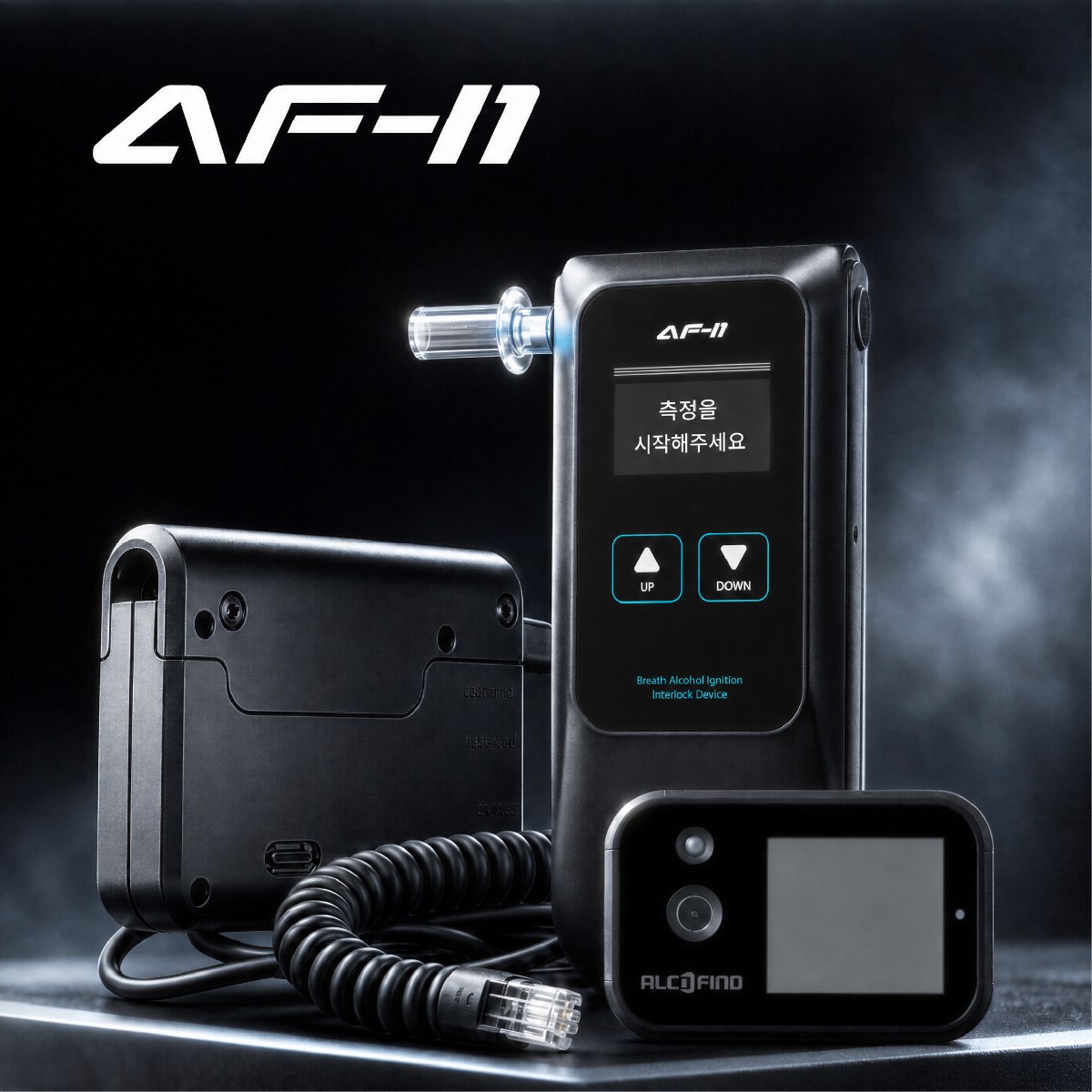
For people who use a personal breathalyzer before work or the day after a get-together, the Bluetooth connection is the feature that lets them look back on readings in the app. Bluetooth is a way for the breathalyzer and smartphone to exchange information wirelessly over a short distance, and when the connection drops, what you can see on the device screen and what you can see in the app may differ.
If you immediately take the absence of an entry in the app to mean a failed test or no result, the record gets blurred. If you keep separate what you saw directly on the breathalyzer, the connection status and existing records shown in the app, and notes you wrote yourself, you can judge even after reconnecting what was confirmed and what was not.
Do not assume the app screen and the breathalyzer screen are the same record
Whether a number and unit appeared on the breathalyzer screen, and whether a new entry for that day appears in the app, are each facts to check. The official AF-40BT product information describes Bluetooth smartphone pairing, a dual mode supporting standalone use and app use, and storage of test results on the device. However, this information alone does not tell you when or how a test result appears in the app, or whether records made while the connection was down will later come into the app.
So when no record appears in the app, you need to confirm the scope of the functions based on the guidance for that model and app. If you did not see a result on the device, do not fill in a number based on the previous day's record or your memory. Leaving a result you could not confirm as "unconfirmed" is far more accurate when you compare records later.
Right after the drop, record what you confirmed in three groups
While you reopen the app or switch screens to fix the connection problem, the message you first saw may change. If possible, take a screenshot of the screen at the time; if that is difficult, write a note on your phone or on paper right after the test. The key is not to imitate an automatic record but to make the source of each piece of information clear.
| Category | What to record | Rule for writing it down |
|---|---|---|
| What you saw on the breathalyzer | Number, unit, status indication on screen | Write down only what you read directly, exactly as shown |
| What you saw in the app | Connection message, error text, date of the last record | Do not carry a past entry over as today's result |
| Notes you wrote yourself | Date, time, and a mark showing it was written manually | State "manual note made while the app was not connected" |
| Comparison after reconnecting | Date, time, number, and unit of any new entry | Do not count the same test twice |
Record numbers together with their units. %BAC, ‰, and mg/L are different notation units for alcohol test results, so if you write down only the number, it is hard to compare later whether it is the same result. The purpose on this day is not to convert units and interpret the value but to preserve the original shown on the device without changing it.
A hypothetical case: do not fill gaps in the record with guesses
For instance, suppose you did a self-test with the AF-40BT in the morning and read the number and unit on the device screen, but the app stayed on the connecting screen and did not show a new record. The observed facts are "result confirmed on the device screen" and "no new entry confirmed in the app." You cannot interpret the absence of an entry in the app as meaning the test itself failed, nor can you assume it will appear automatically later.
A possible action is to write down the number and unit you read on the device and the date and time of the test, and to mark it as a manual note. If there is a last entry visible in the app, also note that entry's date separately. That way, when a new entry appears after reconnecting, you have a starting point for comparing whether it relates to that day's test.
The completion criterion in this case is not necessarily creating a new record in the app. It is enough that what you confirmed on the device, what you confirmed in the app, and what you could not confirm are kept without being mixed together. If you need to travel urgently, rather than making restoring the connection a condition for setting off, it is safer to first settle an alternative travel plan such as public transportation or a designated driver service. Personal readings and app records alone cannot settle whether you can drive.
Once reconnected, check for both omissions and duplicates
After reconnecting, do not delete your manual note right away; compare it side by side with the new entry in the app. See whether the date and time range, number, and unit all match, and whether there are grounds to judge them the same test. If you merge them into one record just because the numbers are similar, you may wrongly combine different tests.
If they appear to be the same test, you can add "confirmed later in the app" to the manual note to record the link. If it is hard to judge whether they match, keep them as separate entries and just distinguish which is the automatic record and which is the manual note. Duplicate records make the number of tests look larger than it really is, and omissions make it look smaller, so checking both together reduces distortion when you look back on your habits.
Whether the app offers manual entry, record editing, or export functions should be confirmed in the guidance for the app you use. Even if those functions are not available, there is no need to turn a manual note into something that looks like an automatically saved record.
Before resetting, first confirm where remaining records are kept
The official information for the AF-40BT mentions storage of up to 10,000 test results, but how those stored results can be viewed or recovered in the app needs to be confirmed separately. Other models may not have the same storage function or app pairing method, so do not apply the behavior of one model to another device.
Deleting the app or resetting the device is something to consider only after you have confirmed where remaining records are kept and how they can be recovered. First organize the model name, the messages shown in the app, the date and time the problem occurred, and whether you confirmed the result on the device screen. When you ask for support, too, rather than sending your entire personal history, choose and present first the screens and times needed to explain the connection problem, so you can explain the test results and the connection problem separately.
※ Self-test results from our products are provided as reference information only. Official enforcement standards and testing methods may vary by agency and equipment, so self-test results may differ from enforcement results, and the company accepts no liability for enforcement results.