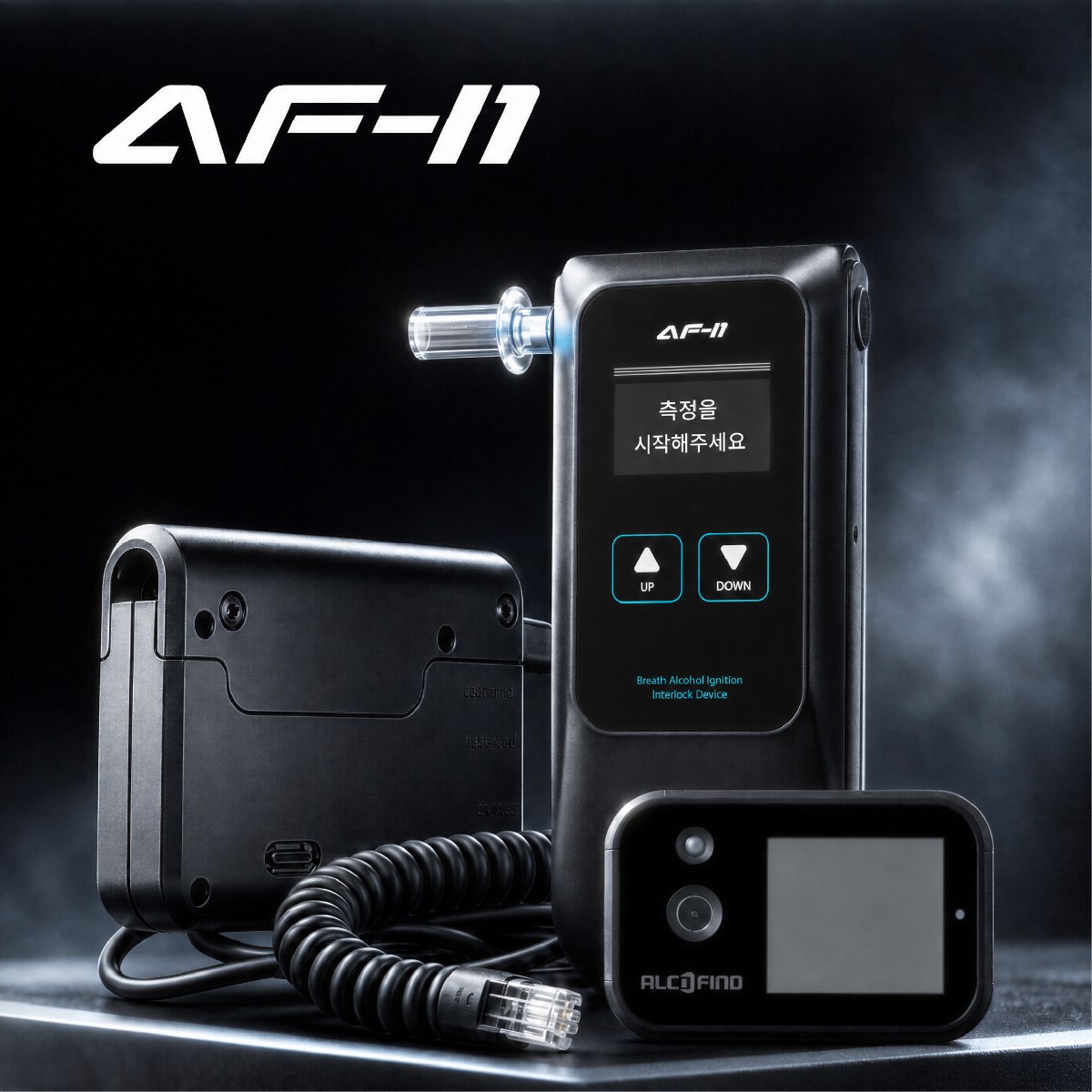
When you move a breathalyzer used at a cold worksite into a heated room, you have to decide whether it can be used right away for the next breath test. A breathalyzer is equipment that measures a breath sample a person blows into it, so you cannot judge whether it is ready just because it powers on. You need to consider together how it was exposed in transit, the external and on-screen condition you can actually observe on the device, and the conditions of use set for that model.
The fact that it came from a cold place does not mean it is broken. Nor does leaving it indoors for a while make it fit for testing. Rather than setting an arbitrary waiting time for all models, it is safer to check against the use, storage, and preparation procedures in the user manual for the equipment you currently use, and to keep any device not yet cleared out of testing work.
First separate equipment you bring in from equipment ready for use
It is best not to put equipment moved indoors straight back at the test location until checks are complete. Place it somewhere it can be told apart from other equipment, and start by writing down verifiable facts, such as that it was used at a cold worksite, when it was brought indoors, and whether it was exposed to snow, rain, or moisture in transit. If you did not measure the site temperature, there is no need to record a temperature value from memory.
Next, look at the device surface, the area around the breath inlet, the screen, and the buttons. This step checks for moisture or dirt, signs of being dropped, or unusual screen indications. A dry-looking surface and powering on are each important observations, but neither is a conclusion about the internal condition or whether the device can test.
Check model-specific conditions instead of a common waiting time
No common waiting time can be set that applies to every breathalyzer brought in from a cold environment. Operating environment, storage conditions, and the procedures to check after powering on can differ by model. Use the model name shown on the device to find the corresponding user manual, and compare the conditions of use and preparation procedures it describes with the actual condition of the equipment.
Do not add actions such as placing it near a heater to use it sooner or using separate heating or drying equipment unless the manual supports them. Inserting tissues, cotton swabs, or tools into the breath inlet to check its condition, or taking the sensor apart, are also not measures for users to take on their own. If the manual alone does not let you decide, or a screen abnormality persists, it is appropriate to keep that device on hold and look into the inspection procedure.
Record what you saw separately from the decision on use
For shared equipment, a note saying "looks normal" is not enough. So that the next person in charge can review the same decision, it is best to write down separately the facts learned during transport, what was observed on the device, the checks carried out according to the manual, and the final decision on use. Separating them this way lets you explain the situation at the time without guessing at causes, even if questions about an abnormality come up later.
| What to check | What to record | What to do based on the result |
|---|---|---|
| Transport | When it was brought indoors and whether it was exposed to moisture in transit | Keep it apart from equipment ready for testing until checks are complete |
| Device condition | Surface moisture, dirt, signs of impact, screen indications | If an abnormality is seen, do not put it into testing work |
| Product guidance | That model's preparation conditions and the checks performed | Decide on resuming use only to the extent the conditions are confirmed as met |
| Items not confirmed | Remaining symptoms and information gathered for inspection | Mark it so the next user does not mistake it for usable equipment |
The reason the table records transport and device condition separately is that "it came from a cold place" alone does not tell you the actual exposure. For example, whether it was exposed to moisture in transit and what the screen showed after it was brought in also become specific information when you request an inspection later. On the other hand, filling in facts you did not check, or recording internal conditions you did not observe, can blur the basis for the decision.
Criteria for resuming use, in a hypothetical case
Take a hypothetical case. Equipment used at an outdoor cold worksite is moved to the office in the afternoon. The person in charge looks at the area around the breath inlet and the screen, sees no moisture on the surface, and confirms that it powers on. The observation that can be confirmed at this point goes only as far as "no visible moisture on the outside and it powered on."
Without interpreting this result as "normal" right away, the person in charge compares it with the use and preparation conditions and the screen check procedure in that model's manual. If performing the procedure in the manual makes it clear that the required conditions are met, the equipment can be moved to where usable equipment is kept. Conversely, if conditions remain that cannot be confirmed or an abnormal indication persists, keep the equipment stored separately, organize the model name, serial number, how it was brought in, and the screen condition observed, and look into the inspection procedure.
The completion criterion in this case is not how long it waited indoors. It is a state in which the necessary checks were made according to the model-specific guidance, and the reason for resuming use or keeping it on hold is recorded, so the next person in charge does not use the equipment without a decision.
Calibration, adjustment, and repair are not the same action
The check after bringing equipment in from a cold worksite is a procedure for deciding whether to put the equipment into testing work at that moment. Its purpose differs from calibration. Calibration is the work of establishing, under specified conditions, the relationship between the values provided by measurement standards and the indications of the equipment.
Calibration must also be distinguished from adjustment, which changes the equipment so that it gives specified indications. After adjustment, recalibration may usually be needed, and problems that call for checking the operating condition first, such as moisture, external damage, or screen abnormalities, cannot be assumed to be calibration problems. If you find an abnormality after bringing the equipment in, first put it on hold and consider whether inspection is needed, and decide separately whether calibration is needed based on the equipment's condition and the applicable procedure.
For equipment several people use, prevent mix-ups with labels
If several staff members use the same breathalyzer, you can consider attaching an "on hold" label and the time it was brought in right after it comes inside. This reduces the chance that it gets mixed into the next round of tests because it looks like equipment that is charging or ready to use. If you move it to the usable location only after checks are finished, the physical storage location matches the decision on use.
If you decide to resume use, record the date, who checked it, the model-specific guidance applied, and the check results. If you keep it on hold, also note where and when it was moved, what you saw on the outside and on the screen, and the checks already carried out. With this information, you can go beyond simply saying it came from a cold worksite and communicate clearly during later inspection what condition was checked and what remains.