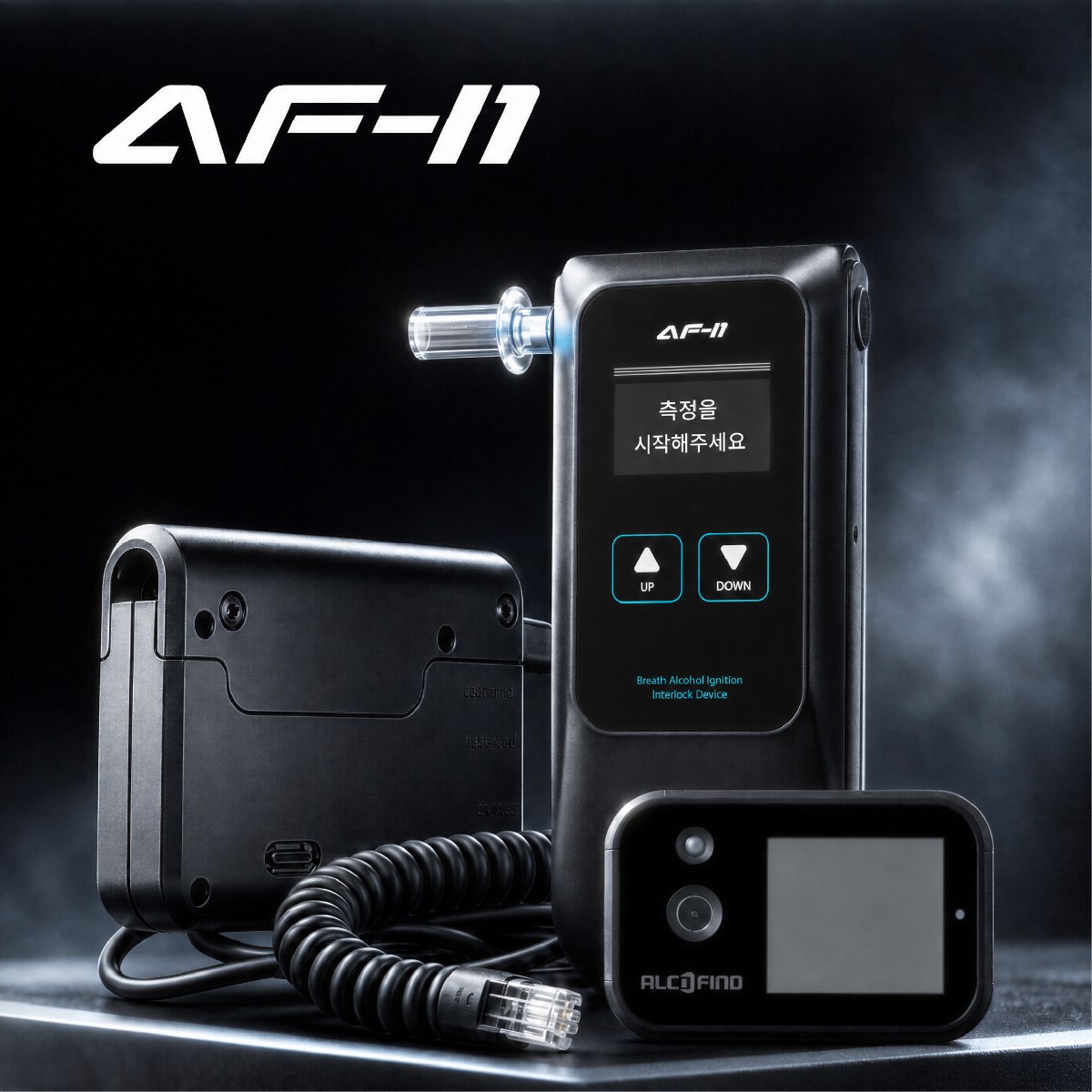
A breathalyzer's firmware is the embedded software inside the device that handles the test sequence, screen display, result storage, and data exchange with external devices such as smartphones and PCs. When quality or technical staff compare a device before and after a firmware change, the hardest part is distinguishing the fact that the numbers on screen or the format of stored files changed from the fact that the way the sensor calculates concentration changed. The first may be a change in display or integration, but the second is a measurement-performance change that needs separate test evidence.
For example, DATECH's official product information states that the AF-40BT offers an electrochemical sensor, storage of 10,000 test results, Bluetooth 5.0 LE smartphone pairing, and standalone and app modes. An electrochemical sensor works by reading, as an electrical signal, the electrochemical reaction that alcohol in the breath causes inside the sensor and converting it into a result. If you are reviewing a firmware change for this device, you need a log that compares the original reading, the device's judgment, the screen display, and the exported data separately under the same test conditions. Only then can you explain whether a difference is a difference in the test result itself or merely in how it is presented and transmitted.
First fix the versions being compared and the test conditions
On the first line of the log, record the firmware version before the change, the version after the change, and the manufacturer's release documents or change notices linked to each version. If you write just "old version" and "new version," another tester cannot reproduce the same comparison later. Also record whether you compared before and after on the same device, and if you used different devices, the identification of each.
Test conditions matter as much as the results. Fix and record anything that could affect the comparison, such as the identifier of the sample or test condition used, the device settings, the test date, and the temperature at the time of testing. The official AF-40BT accuracy is stated for 25 ℃ and a specific concentration, so you must state the actual test conditions separately to avoid interpreting figures obtained at other temperatures or conditions as meaning the same thing.
Record four kinds of results separately in each row
The log is not a form that just puts single numbers side by side. Separate the original result value and unit the device calculated internally, the status the device displayed based on that result, the message that appeared on screen, and the data saved or transmitted externally. The original value may be unchanged even if the displayed digits change, and conversely, the unit or the meaning of a field in the file may have changed even if the number on screen is the same.
| Comparison area | What to record | What to interpret if there is a difference |
|---|---|---|
| Version and device | Firmware versions before and after, device identification, release documents | Whether the versions and devices actually compared are the same |
| Test result | Original result value, unit, test conditions, test sequence | Whether the value or unit conversion changed |
| Screen judgment | On-screen number, decimal places, warning messages, pass/fail indication | Whether the presentation and judgment criteria changed |
| Stored and integrated data | Stored test history, exported fields, values shown in the app | Whether the meaning of file fields and integration compatibility changed |
In particular, rather than writing something broad like "status changed," write down what was observed, for example whether the pass/fail message on screen changed or whether the test time in the stored history is preserved. Because the AF-40BT offers standalone and app modes, if you use both paths, it is better to group the device screen and the app screen under the same test number and compare them.
Do not lump numeric differences and display differences under one cause
If only the decimal places of the result changed between before and after, you can first classify it as a change in display format. However, if the original result value itself differs under the same conditions, you need to record it as an item requiring further checks, such as unit conversion rules, result processing, or the measurement algorithm. This is why you cannot conclude that sensor accuracy improved merely from a screen improvement or a renamed file column.
As a hypothetical example, suppose the device screen shows results to three decimal places before the change and two decimal places after. If, under the same test conditions, the stored original result value and unit match and the value transmitted to the app is read by the same rule, the observed difference can be interpreted as a change in screen rounding or the number of displayed digits. A possible action is to keep screen photos, the stored history, and the app screen under the same test number and to explain the difference in digits in the user guidance. The completion criterion is a state where the log shows the correspondence between the original value, unit, device judgment, and transmitted value, and the reason for the display difference does not contradict the change documents.
Conversely, if the unit of the stored value changed or the app reads earlier test history differently, you must not treat it as a display change. Set up separate test items for how the new software reads records in the earlier format and what each field of the exported data means. If past records need to be converted, keep the pre-conversion files and record the conversion rules and results together, so the baseline for later comparisons does not disappear.
Handle claims about measurement performance with separate evidence
An electrochemical sensor's reading is a result produced jointly by the sensor's response and the processing of that signal. So to state that a firmware change did not affect measurement accuracy or repeatability, records comparing screens and files are not enough. You need to confirm the changes the manufacturer disclosed and how far they affect measurement processing, and then have test data comparing results obtained under the same conditions.
The official AF-40BT information states an accuracy of ±0.005 %BAC at 0.100 %BAC and 25 ℃. This figure is product information under the stated concentration and temperature conditions, so it must not be used as a criterion that every reading before and after a firmware change has to be identical. In the log, it is more accurate to record separately the difference in observed values, the test conditions, and whether the difference is explained by the manufacturer's change documents, and to leave values that are not explained as "unconfirmed."
Decide on adoption with both passed items and remaining items
When testing is finished, do not just mark each item pass or fail across the board. Organize, item by item, whether version identification and test conditions were secured, whether the meaning of result values and units was preserved, whether the screen display changed as intended, and whether stored and transmitted data can be read by the existing system. This breakdown becomes the basis for deciding where to start rechecking, among sensor measurement, user screens, and data integration, if a problem arises after the change.
Do not delete items you have not yet confirmed; keep them. For example, if you confirmed app integration but not lookup of previously stored test history, record that fact and the next thing to check. If you keep the original files used in testing, screen photos, the history stored on the device, and the completed comparison table under the same test number, you can review again by the same criteria even after manufacturer documents are added or the integration software changes. A log written this way shows clearly which of the readings, display, and data actually changed, without overstating the effect of the firmware change.